Showing posts with label review. Show all posts

Saturday, February 25, 2012

My Best Productivity Tools (One Note)


There are quite a few software that I use daily or once in a while to get things done in a more productive way or be productive. So I thought of listing down a few of my most used and trusted software. This is in no way a Top N Productivity Tools post or neither is a complete one. I’ll try to be concise and precise. Oh and by the way, I use an Android powered smart phone, so don’t be surprised to a see a few Android apps on the list. I’ll cover an app each in a post! Here goes the first!

  Microsoft OneNote
 
One Note is first, because it IS my number one productivity tool. I don’t know where I’d be without it. The companion Android application that was released recently is pure bliss.

Need something organized ? OneNote to the rescue! My office life would be a giant mess if it wasn’t for OneNote. I have everything from meeting notes, documents, task updates from team members to research documents, personal notes, brainstorming sessions and to do lists organized all thanks to the wonderful piece software from Redmond.

I tried Evernote and loved it because it could sync with my Android device but I didn’t fall in love with the tags concept or the number of hierarchical layers that it could divide my work in to.

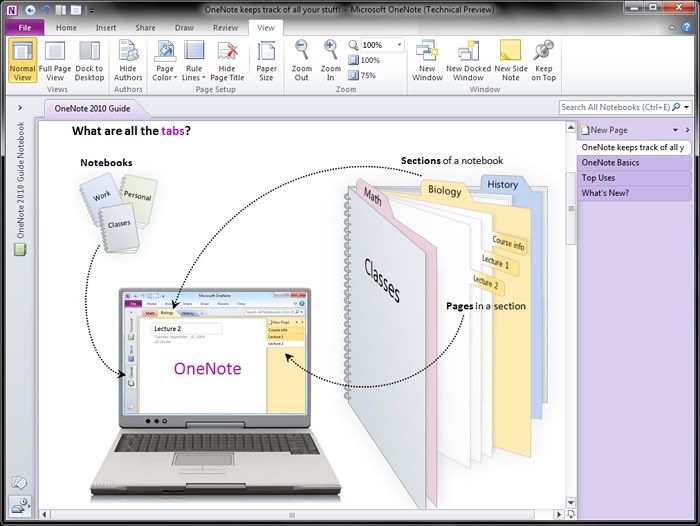
In contrast, in OneNote, I have a notebook for each of my projects and I have a number of sub layers all neatly organized. I just love all those hierarchical organization capabilities! And automatic text recognition in the images is neat! It would suck to add all my office to-do lists in to my phone but One Note handles it like a boss! Adding a task is one click and automatically adds that task to Outlook too. It’s easier than having another to do list app.

Seriously, if you need everything organized in your life; office or home, OneNote is a gem! 
Now that OneNote syncs with my Android and integrates nicely with SkyDrive (you can edit OneNote documents in the browser!), my notes can be accessed where ever I have a browser and an Internet connection. 


P.S : NO, I am not a MS fan boy!

Await more productivity tools!


Tuesday, December 15, 2009

Google Chrome Extensions

I've being a hard-core Firefox fan but now Google Chrome is tempting me very much!!! First it was the Grease Monkey scripts that Chrome supported and now there are about 100 useful (almost similar to Firefox) extensions in the Google Chrome Extension website!! Installing an extension does not need a restart (well, uninstalling doesn't need either!)

Well Stumble Upon and some neat extensions are rocking Google Chrome!!! True that Chrome does not have a huge addon repository like Firefox but I'm betting on it!

Install the latest Developer Preview of Chrome and try out all those neat extensions!

Google Chrome Extensions

Sunday, December 21, 2008

HP HDX 16t Premium Notebook PC Review

Couldn't write the first official post for the tech-by-step just because i was lazy! :P
So here i am again reviewing my recently bought notebook...

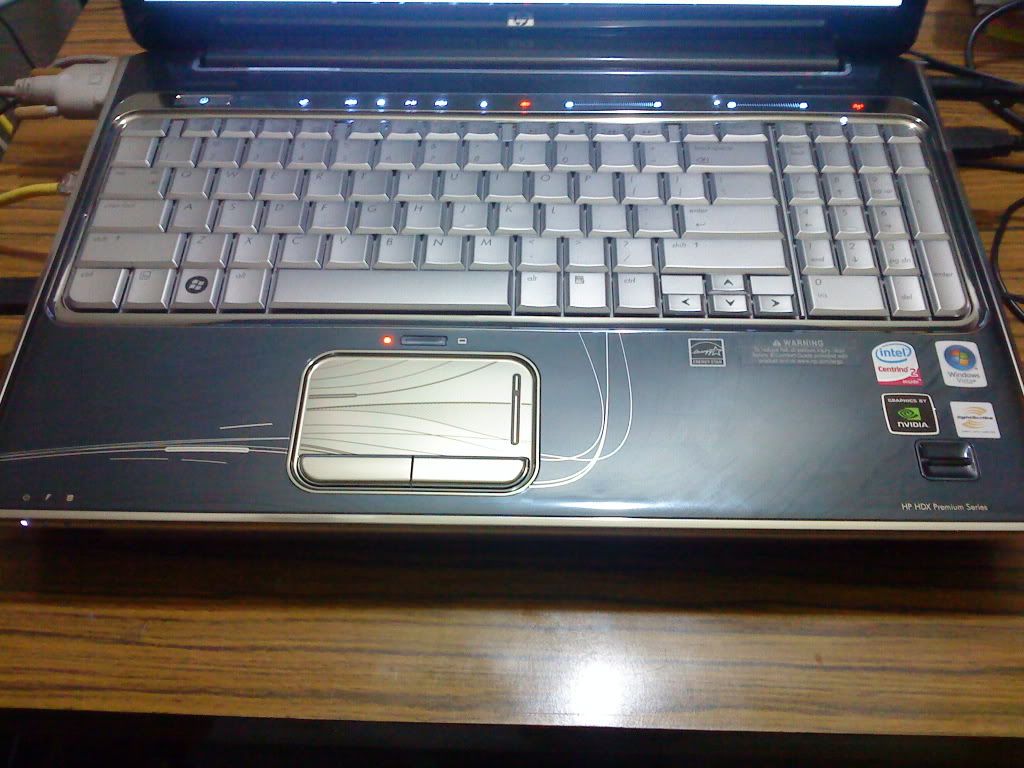
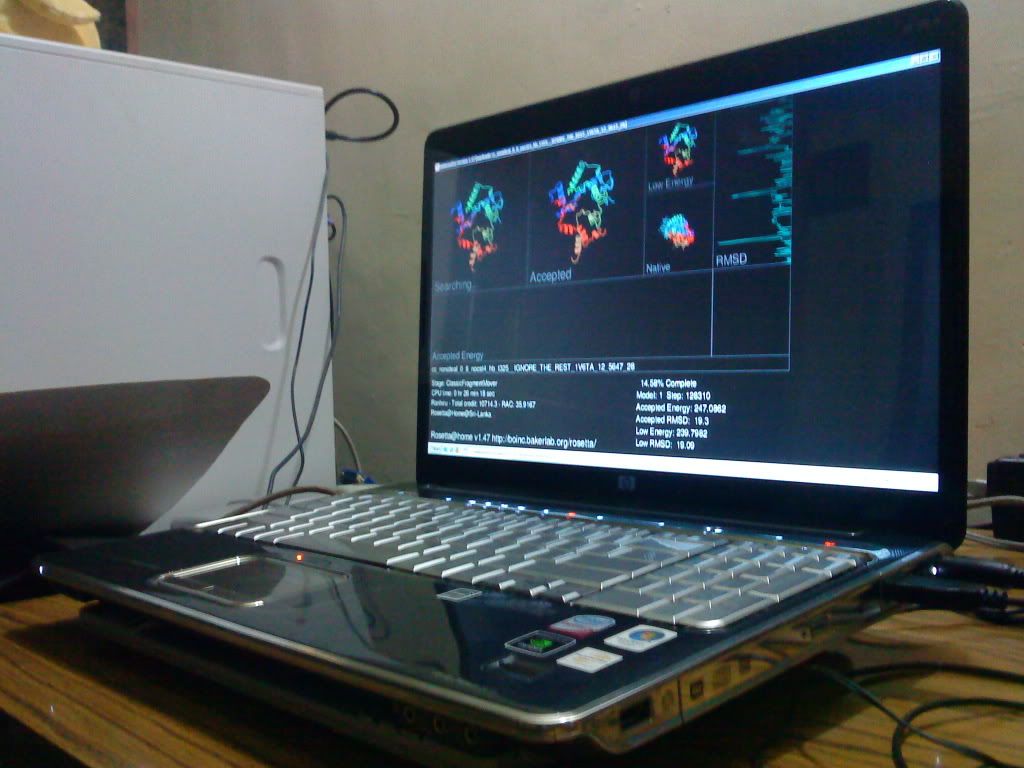
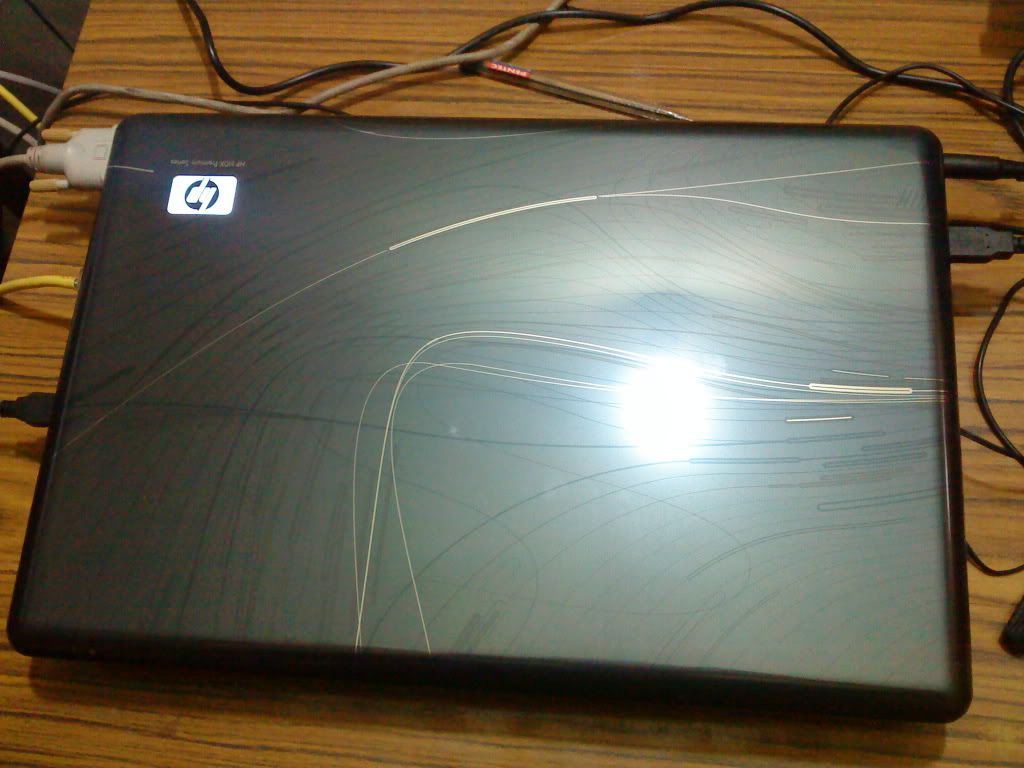
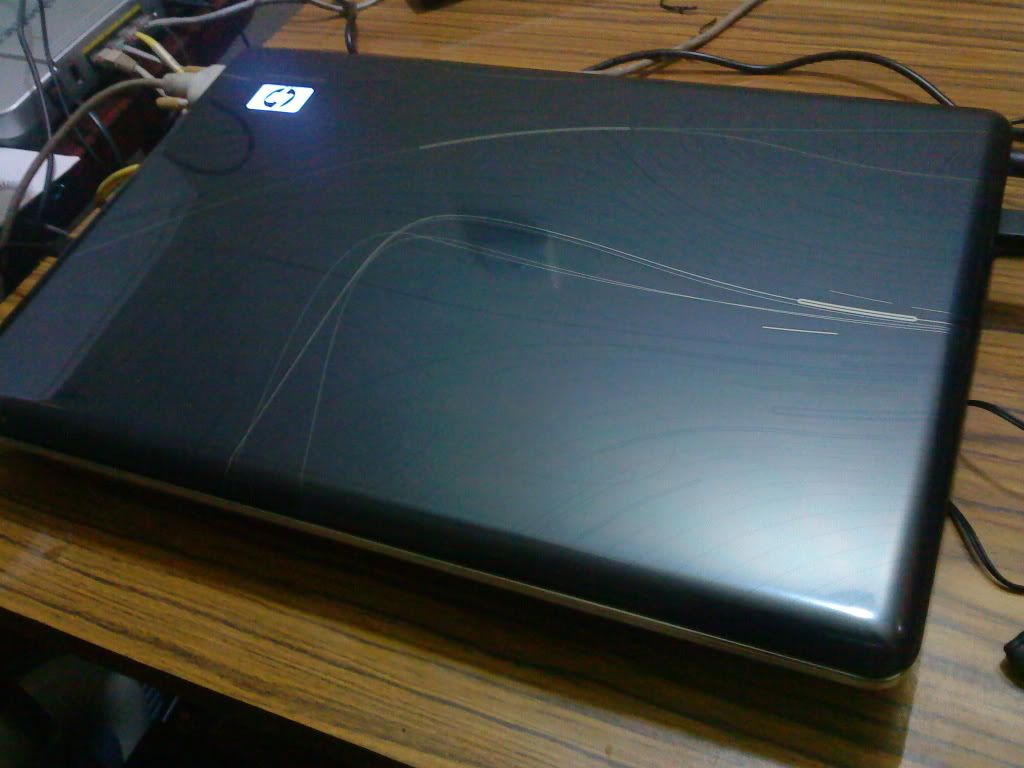
Right now nothing comes in to my mind but my laptop! Yes! A new one! A HP HDX 16t Premium Notebook! The only reason i want to write about my laptop is because i found little or no information (especially pictures!) about it on the web! So ill be posting some pictures as well! Hope this will help all who are looking forward to buy a HP HDX 16t Notebook.

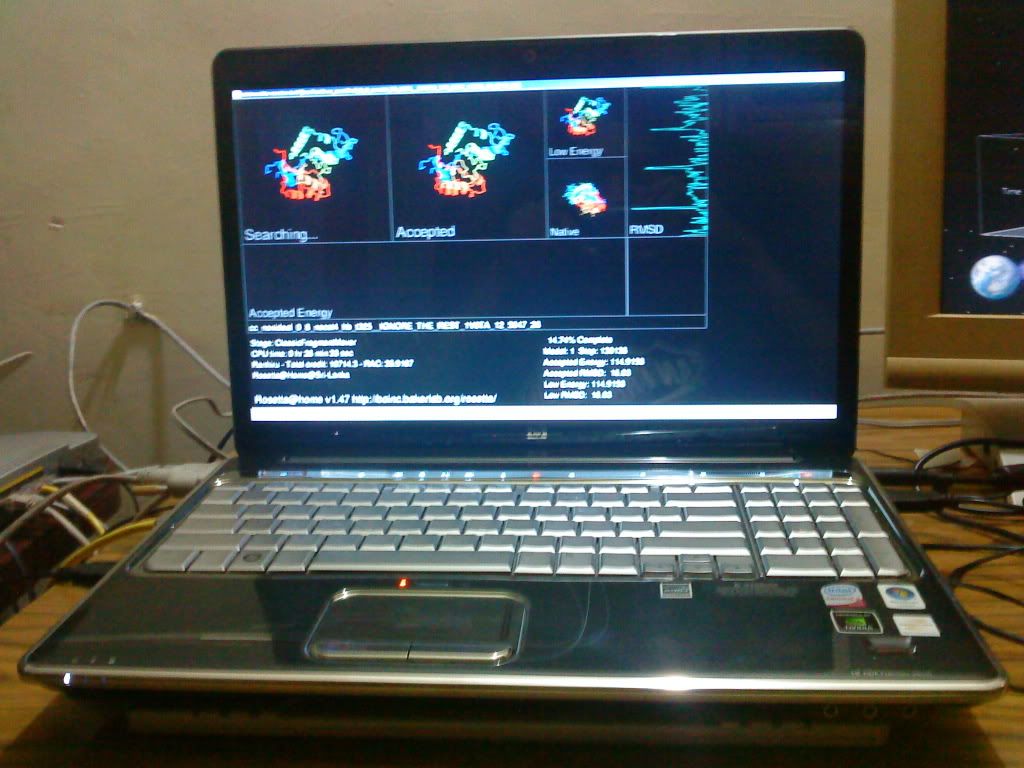
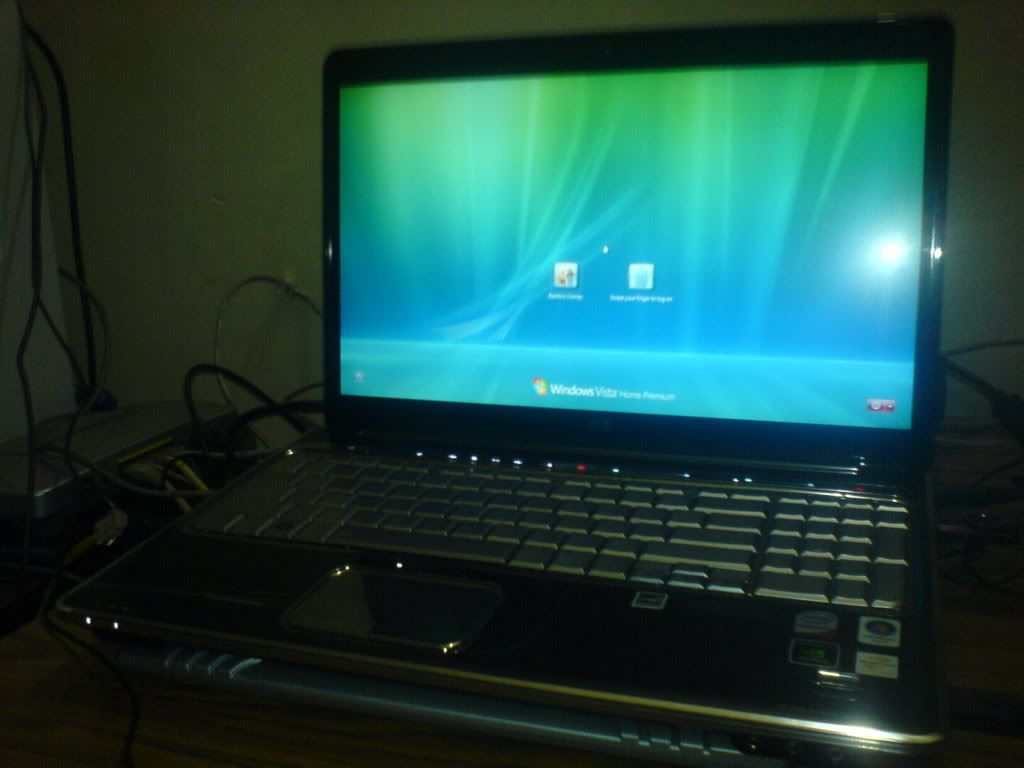
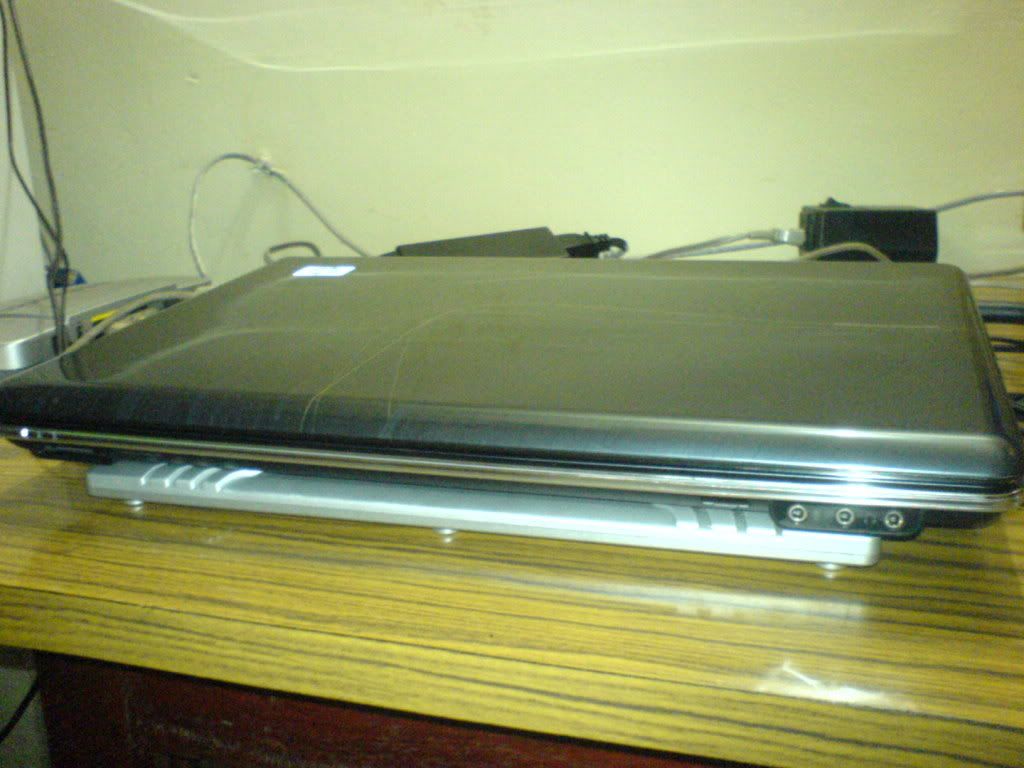
OK.... so lets start off with the basics! Here's how it looks!


For anyone who wonder what on earth is the software I'm running, its called Rosetta@Home! Google It! :)

Anyway, back to the laptop! Here are the specifications for my laptop!

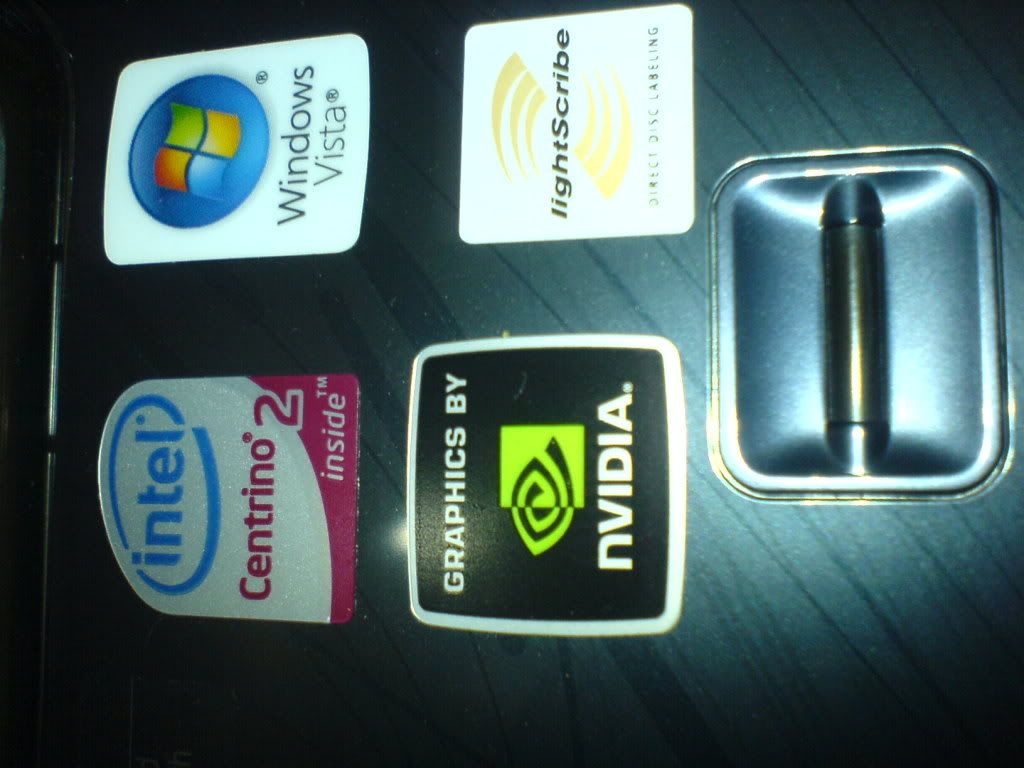
Genuine Windows Vista Home Premium with Service Pack 1 (64-bit)
The reason i chose a 64-bit Operating System is because of all the buzz going on in the web that a 32-bit OS will not support 4GB of RAM!!! Why take a risk! Chose 64-bit just to be on the safe side

Intel(R) Core(TM)2 Duo Processor T9400 (2.53 GHz)
This T9400 Processor is just about 0.1 percent extra GHz from 2.4 GHz P8600. The time i bought my laptop i could have saved 100$ by reducing the processor to 2.4GHz. But if you take a look at the Intel website you will know why i spent extra 100 bucks!

P8600
http://processorfinder.intel.com/details.aspx?sSpec=SLB3S

L2 Cache Speed - 2.4GHz
L2 Cache Size - 3MB

T9400
http://processorfinder.intel.com/details.aspx?sSpec=SL3BX

L2 Cache Speed - 2.53GHz
L2 Cache Size - 6MB

The cache size is doubled from 3MB to 6MB!! Its a major performance boost!

So why didn't i choose the T9600? Simple! Because it was an extra $250 which i was not willing to pay! :)

4GB DDR2 System Memory (2 DIMM)
More RAM = More programs you can run simultaneously without slowing down your PC :)

512MB NVIDIA GeForce 9600M GT
This was the only available card for this laptop! Damn i wish there was a 9800M!

250GB 7200RPM SATA Hard Drive with HP ProtectSmart Hard Drive Protection

What the hell is RPM? RPM stands for Revolutions Per Minute. Well it means how many somersault's your hard disk can do for a minute! :D
Out of jokes, its how fast your hard disk spins.
The faster, the better hard disk seek time = more performance for your applications!
But there is a trade off! (DAMN!) This 7200 RPM HDD tends to be more HOT (The Celsius and Fahrenheit HOT :P) And thats why i ordered a Chill Mat along with my laptop!

OK... now What on earth is HP Protect Smart Hard Drive Protection? Here what it said in the Help Menu of ProtectSmart software...

ProtectSmart Hard Drive Protection protects your disk drive by parking the drive and halting I/O requests when one of the following events occurs:

You drop your computer.
You strike another object with the computer.
You move your computer with the display closed while the computer is running on battery power.

A short time after one of these events, ProtectSmart Hard Drive Protection returns the disk drive to normal operation.

Intel Next-Gen Wireless-N Mini-card
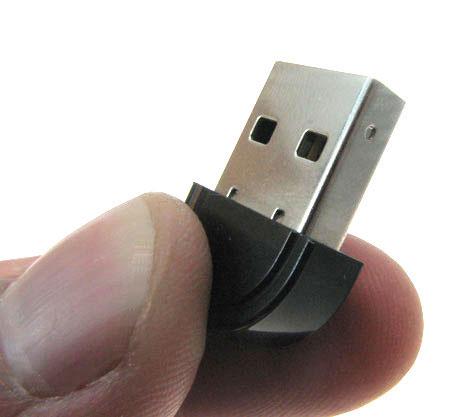
Well..I didn't integrate Bluetooth to the laptop because i was not ready to pay an extra 50$ for bluetooth where i can buy a Nano Bluetooth adapter for $8~$10


LightScribe SuperMulti 8X DVD+/-RW with Double Layer Support
This is the only i thing i worry about! That i could not buy a Blue-Ray Reader. Well Blue Ray Discs are now becoming really popular and not having a BR-Reader.... *sniff* *sniff*

Webcam + Microphone + Fingerprint Reader
Well the webcam is AMAZING!! Very high quality pictures + the built in light brighten ups your video. You can completely turn off all lights and still talk with your [WHOEVER]! The included CyberLink YouCam software makes it so much FUN for video chatting! It even includes animated 3D figures which will move and talk the same way you do in REAL TIME! And in 1 press of a button your figure will be talking with your friend and you can conceal your identity :P :P

I dont have any bad comments to say about the mic either! Works well!

Finally the Finger Print Reader! Its just AWESOME! I login to Windows Vista using my finger print and also the DigitalPersona Personal software lets me create finger print logins to all my softwares! Now i just swipe my finger to login to Messenger! And the DigitalPersona Addon for Firefox does miracles! I just swipe my finger to login to Yahoo Mail and all of my favourite websites! Its just really cool!

Well lets hit the bottom line!

Advantages
  • Its FAST
  • Its REALLY GOOD LOOKING!
  • Good set of features!
Disadvantages
  • A bit heavy ( A lil bit! No it does not weigh A LOT!)
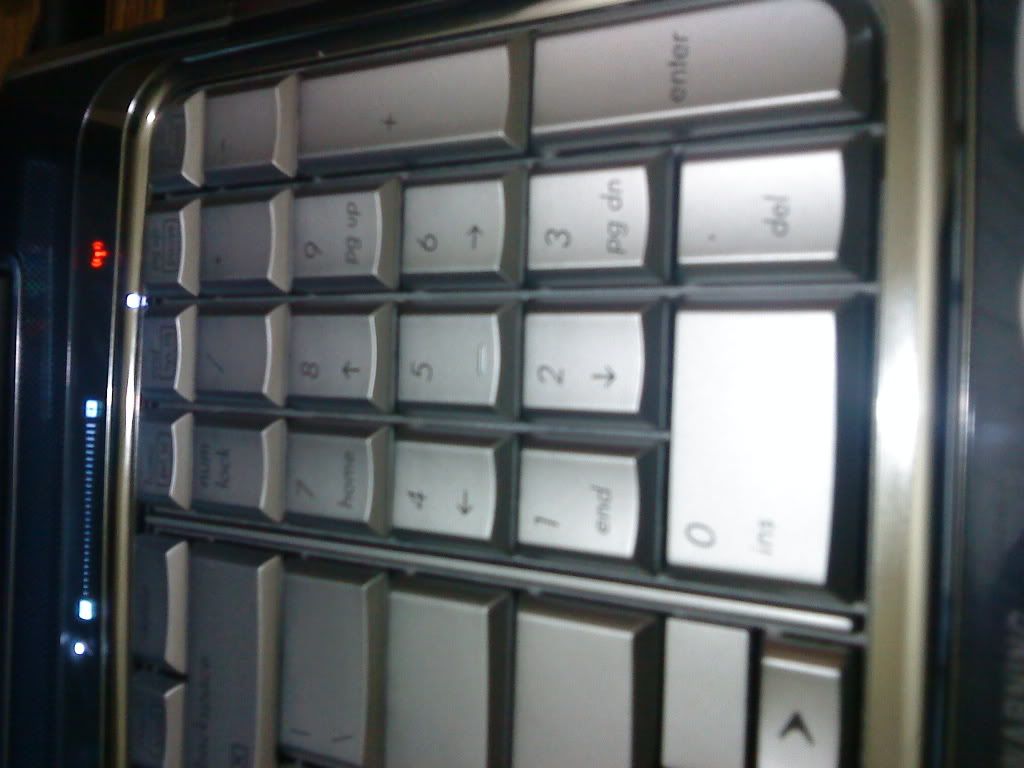
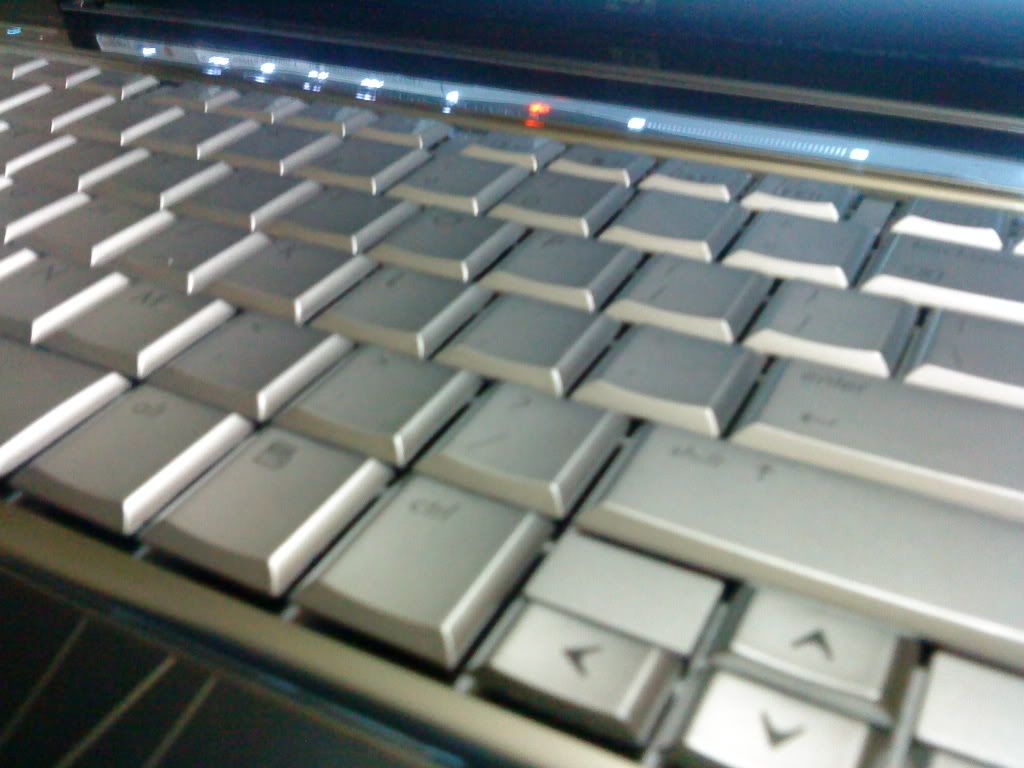
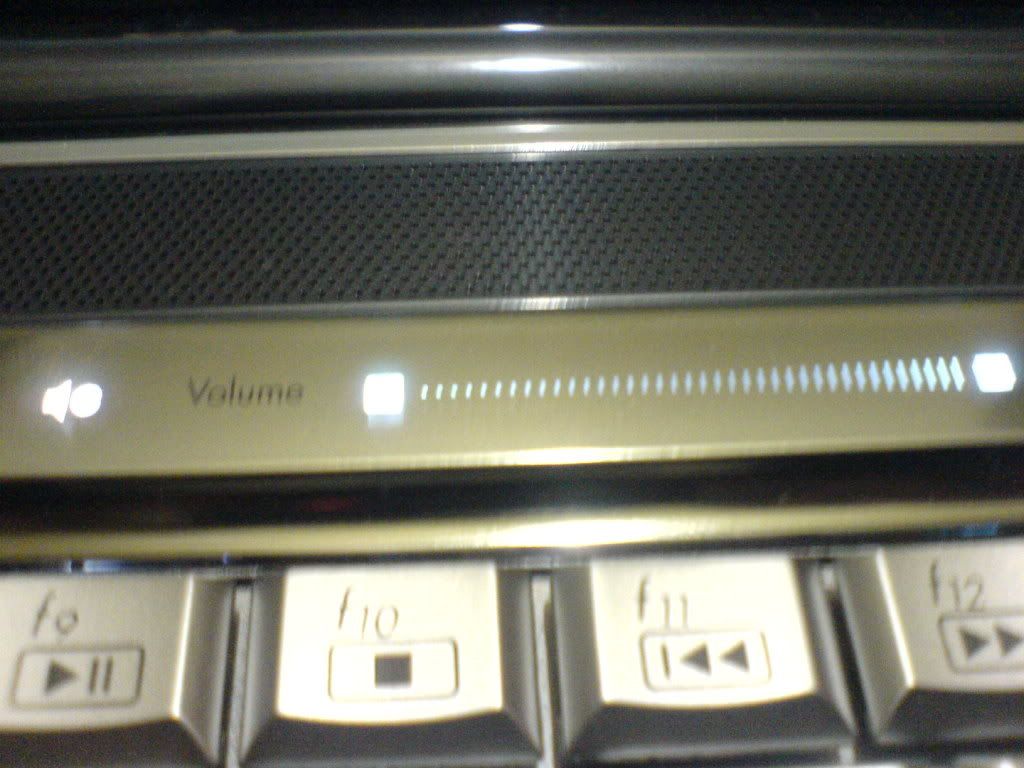
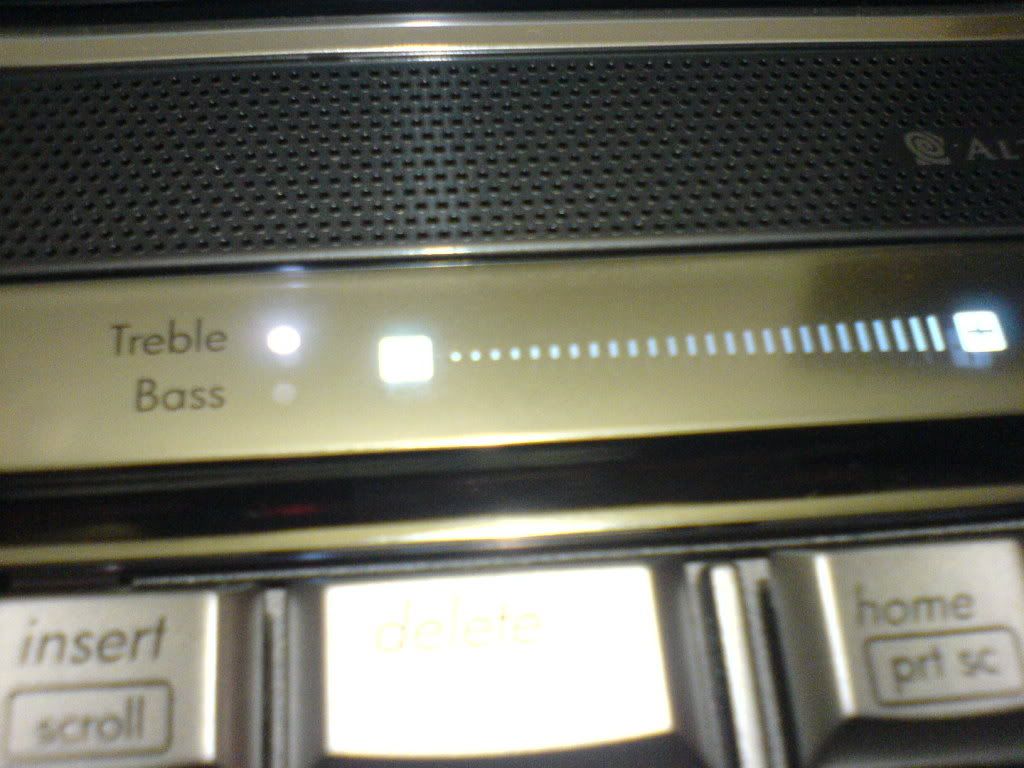
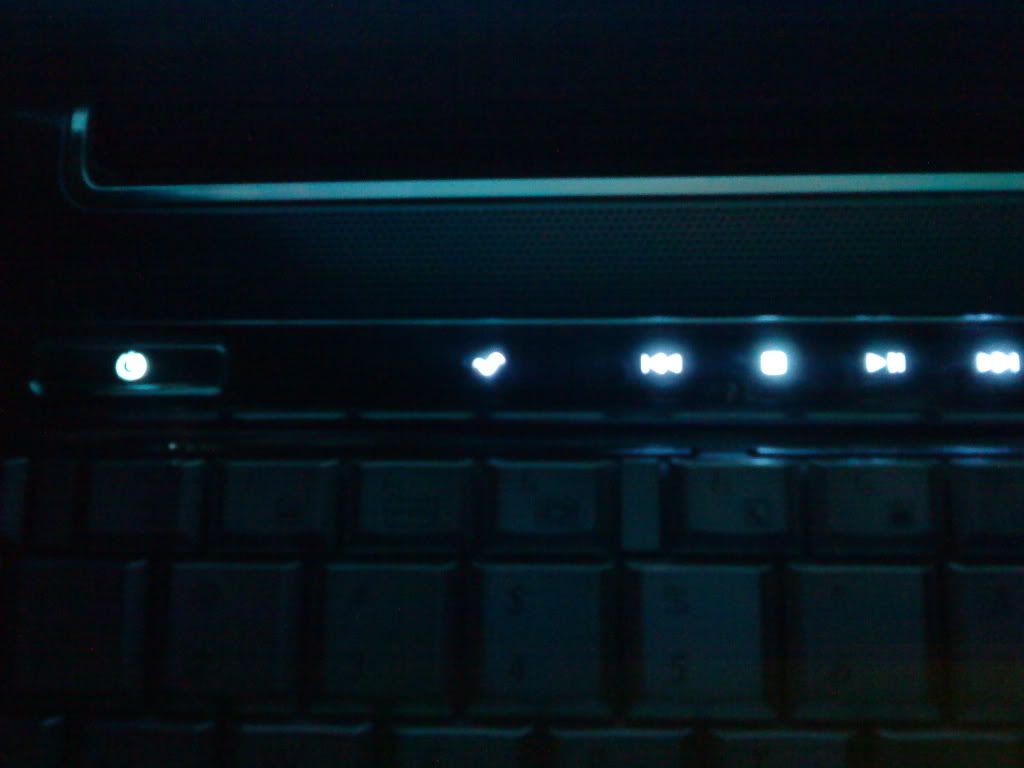
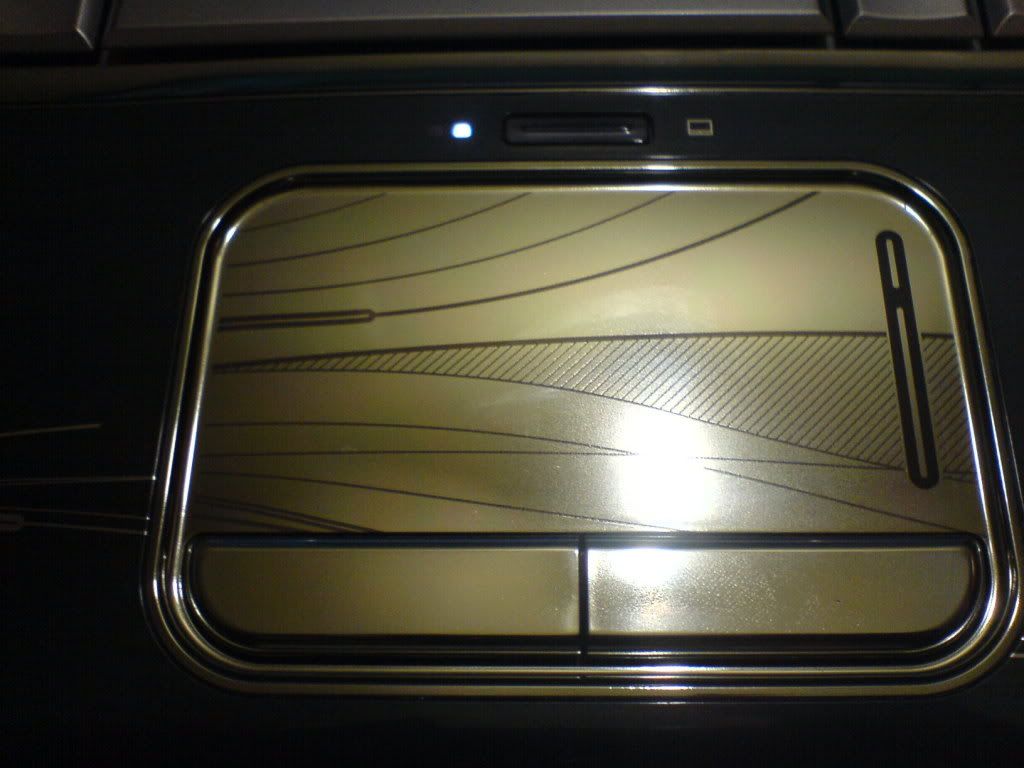
  • The touch buttons (see the pictures below!) are sometimes too responsive and sometimes not @ all responsive! (Not a very big issue coz it works almost all the time! :)
  • The battery life
  • Heat! (oh yeah its HOT!)
Long story...short...its good for a desktop replacement! But of course you can carry it around without a problem! But make sure you have an AC Outlet where ever you go... because this baby goes to sleep soon if you do not feed some electricity... So if you are looking for a notebook with a long battery life...i dont recommend this!

EDIT -> Well do not really get discouraged by the laptop battery! Because now that i have used this for sometime the battery indeed is good :) You can survive for about 1 hour if you turn off WiFi and change the power plan to "Power Saver"

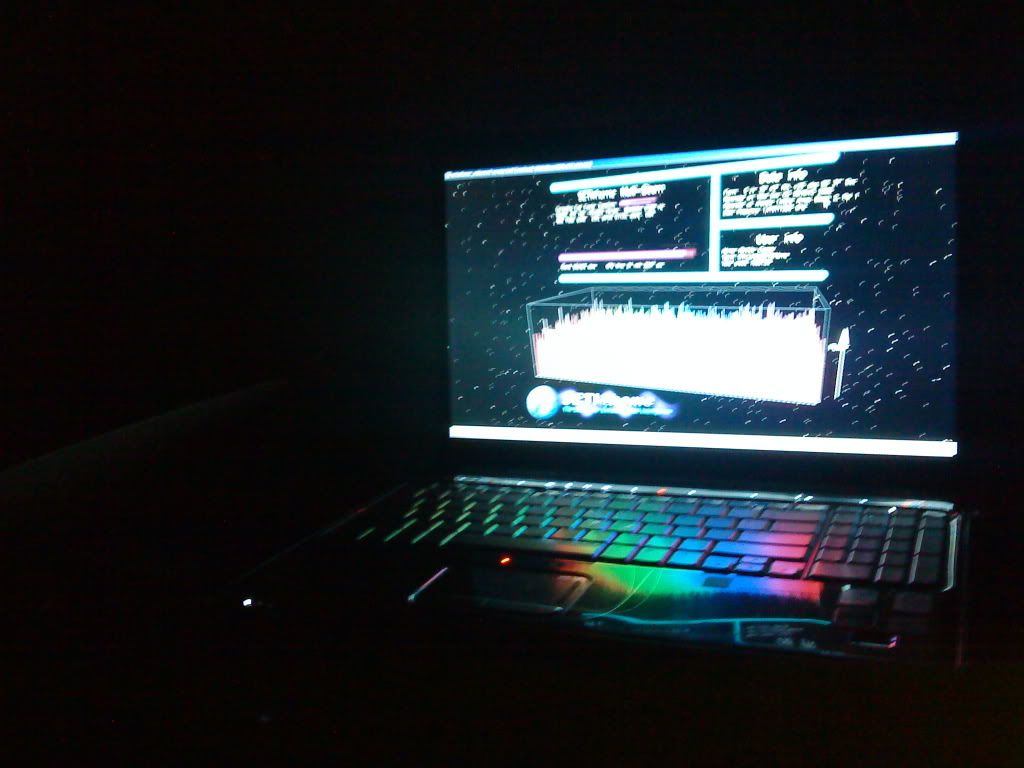
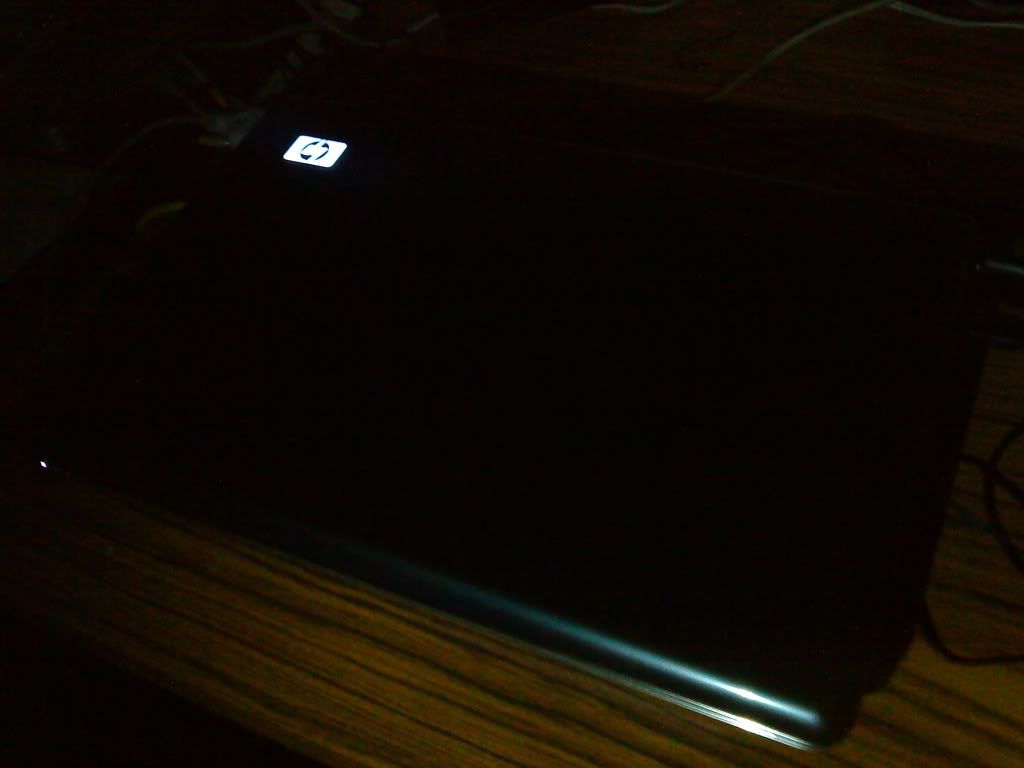
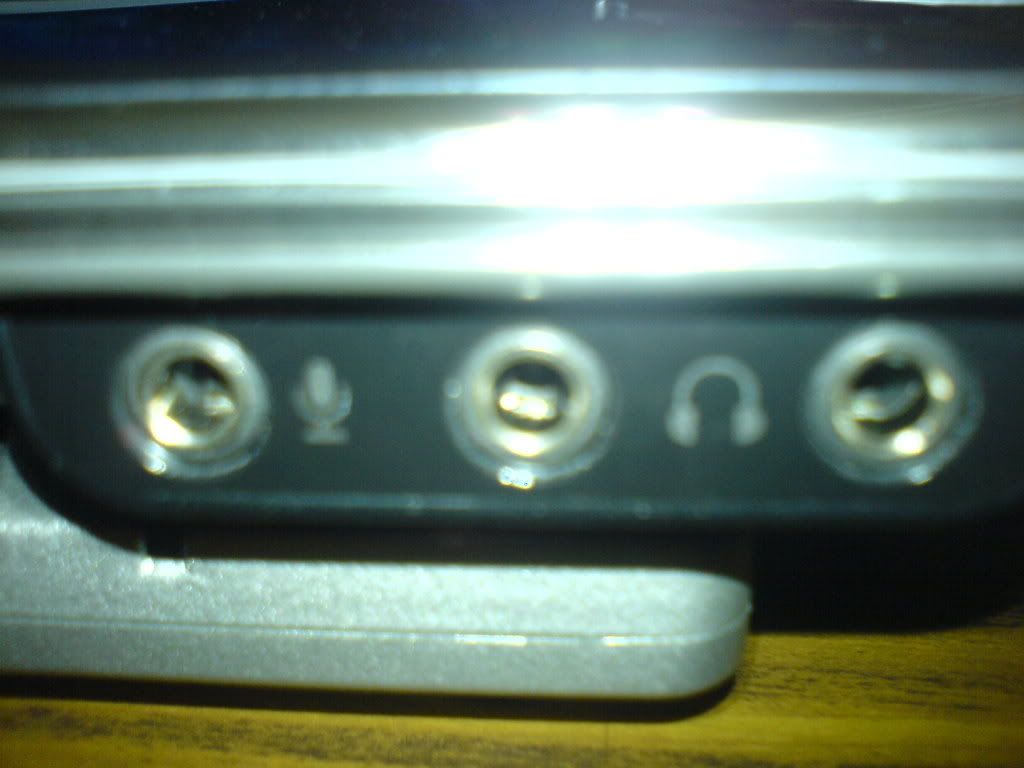
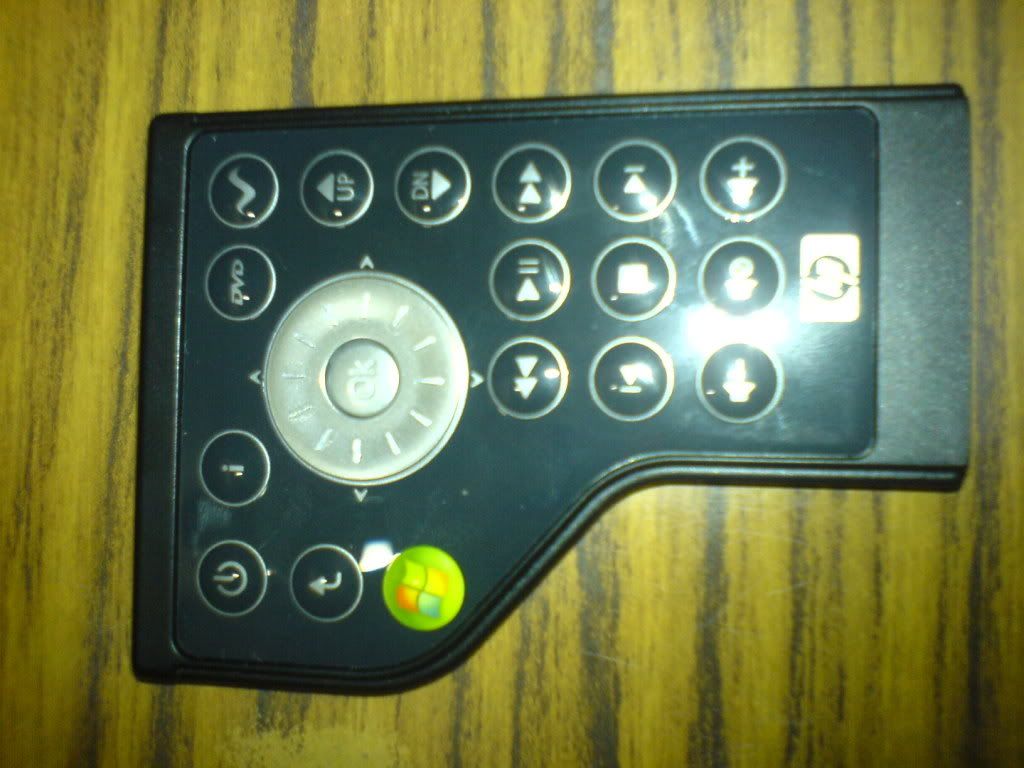
Here are some pictures i took... Click for larger pictures :)